How to Launch a FAST Channel in 2026
Learn how to launch a FAST channel in 2026, covering content, scheduling, monetization, metadata, streaming technology, testing, and operations.

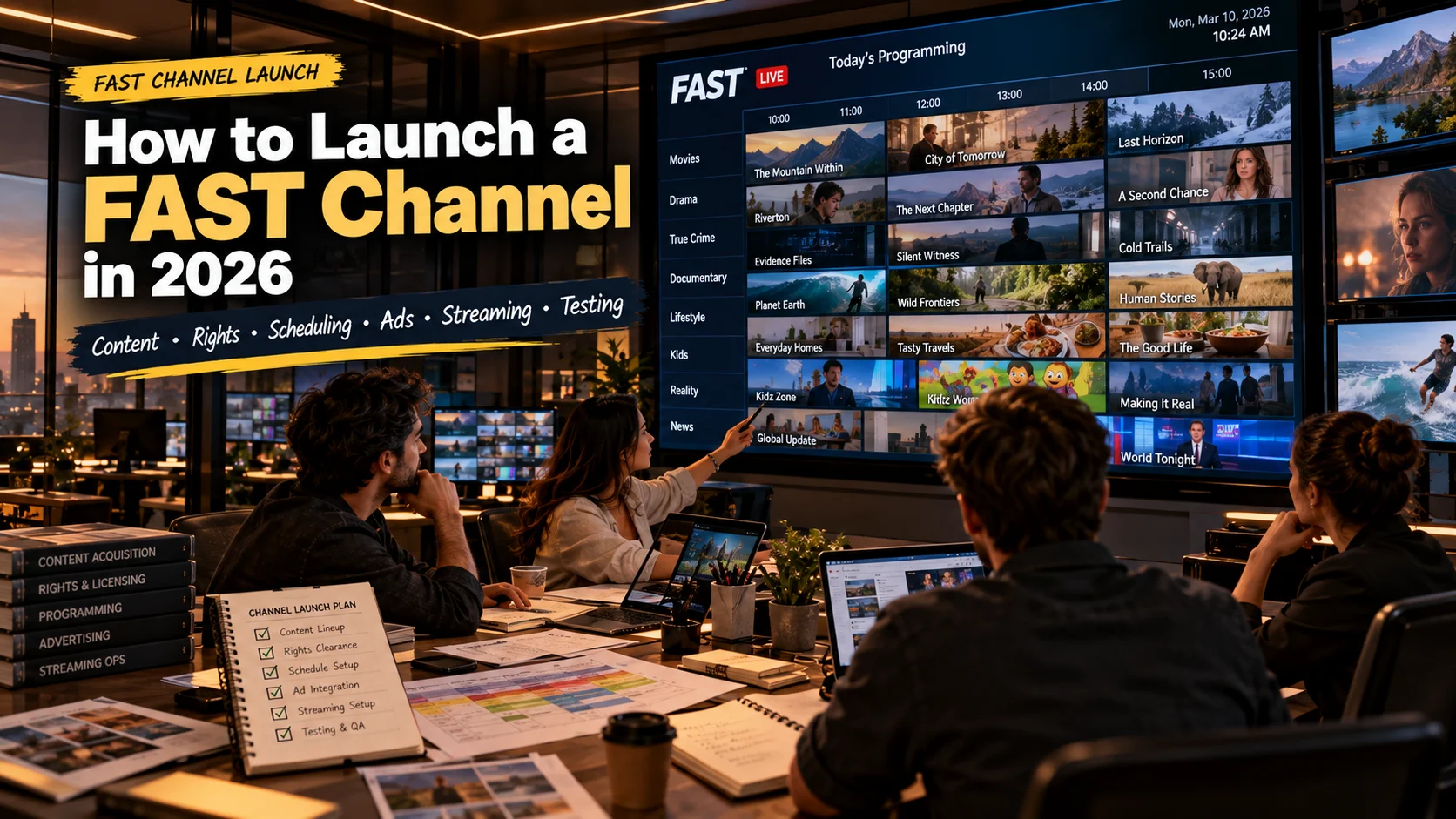
Table of contents
How to Launch a FAST Channel in 2026
Direct answer: To launch a channel in 2026 you must define the audience and create a programming strategy. You must secure content rights. You must. Organize the library. You must create a schedule. You must configure advertising rules and access rules. You must test playback across devices that work. You must review the channel before launch. Technology should support that process not dictate it.
Quick Answer
What You Need Before Launching a FAST Channel
Before setting up the technology, figure out who the channel is meant for, what kind of programming it will show, where the content rights are valid, how the schedule will be planned and how ads will be included in the watching experience.
A helpful group of starting inputs includes the content library, details about rights, information about metadata, artwork rules for programming, devices that will be used the market or area it is for requirements, for ads and the technical process that will send the channel to viewers.
For a team already operating a streaming service, StreamPlay can be considered as part of the platform layer rather than treating FAST as a completely separate video operation.
Build the Channel Around a Programming Strategy
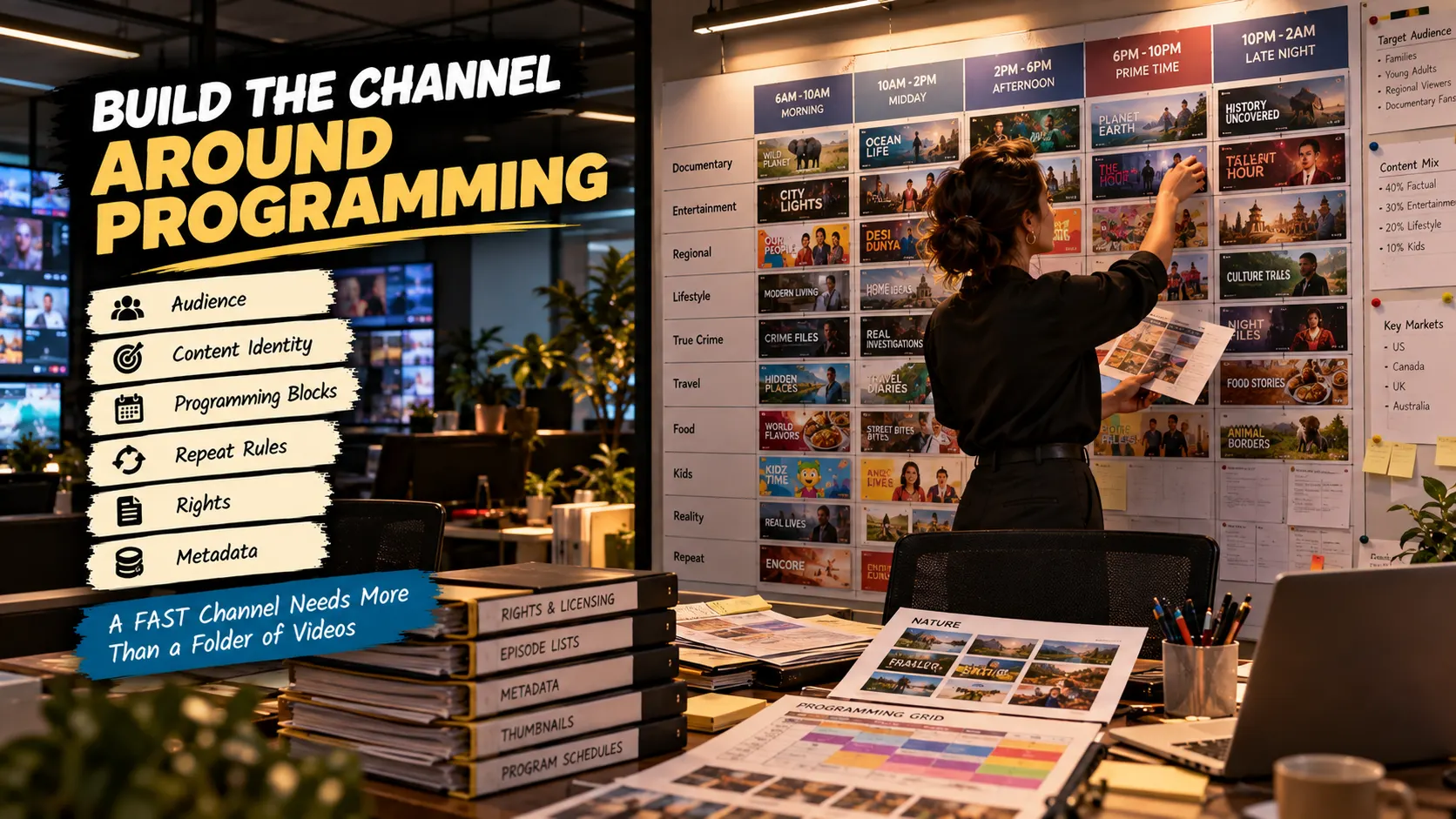
A FAST channel works better when the channel's programming identity is clear first.
A channel built around films for example needs a different schedule, than a channel built around documentaries, regional programming or a specific entertainment genre.
Decide whether the channel should feel highly structured or more like a catalogue presented in a linear format. Define recurring blocks, premiere windows, repeat rules and any programming restrictions before building the schedule.
The programming strategy also affects how content you need. A small library may become repetitive quickly if the schedule is too aggressive while a larger library gives the operator room to rotate programming without making the channel feel stale.
Prepare the Content Library
Each asset should have reliable metadata, artwork, rights information, and an approved status. Check titles, episode order, descriptions, categories, subtitles or audio tracks where applicable, and any territorial restrictions before putting content into the schedule.
This is also where content quality problems tend to surface. A file can play correctly while still having the wrong title, outdated artwork, missing captions, or a rights window that does not match the intended broadcast period.
Treat the library as production material, not simply as a folder of video files. The cleaner the source data is, the easier scheduling and downstream operations become.
Turn a Content Library Into a Schedule
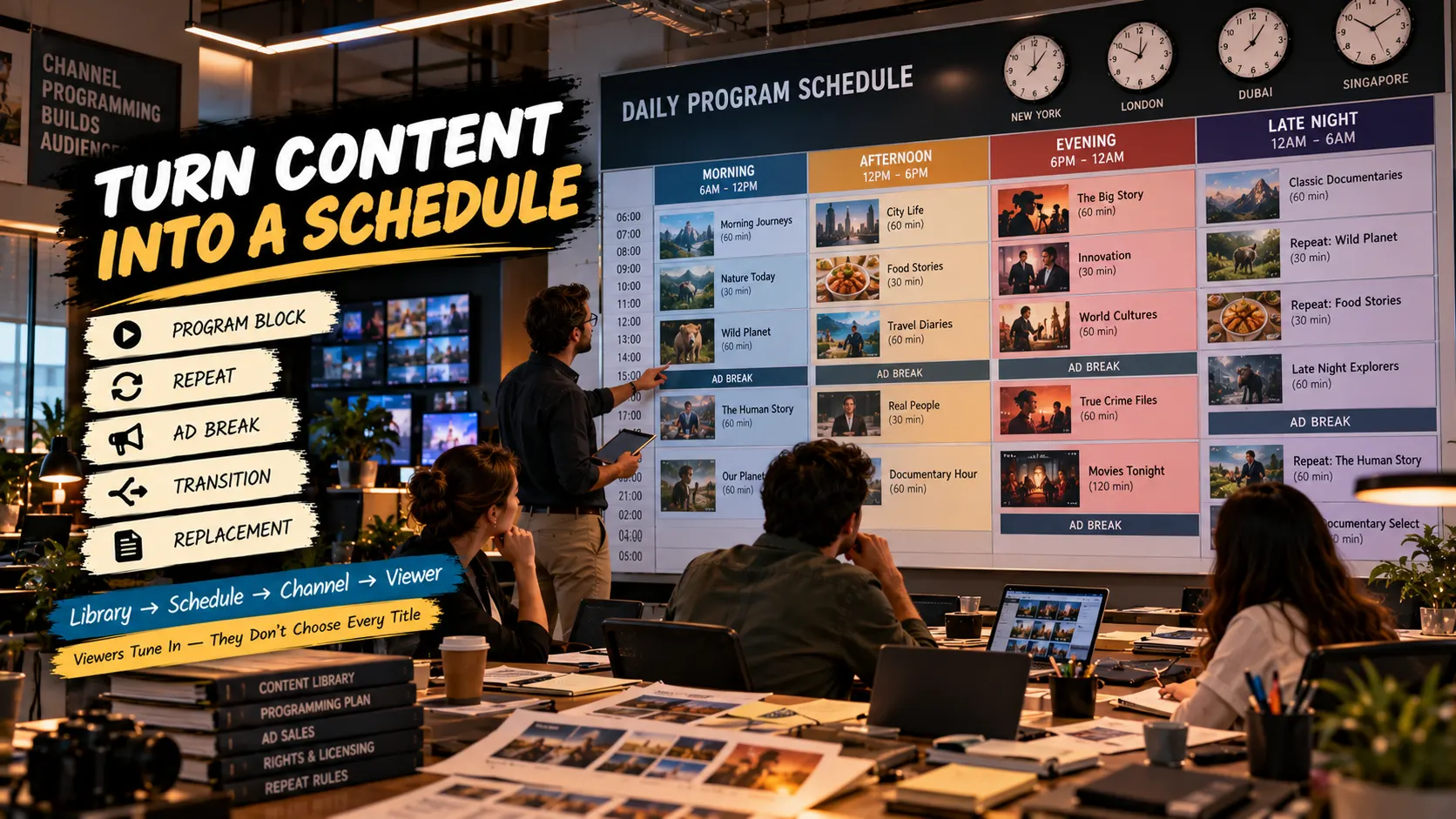
This means the schedule is important. The blocks of programming should have a purpose and the changes between shows need to be predictable so the channel feels like it was planned.
A real-world schedule might split the day into repeating sections. A channel that shows documentaries might put longer shows in one part of the day and shorter ones in another section while showing some titles again at times for people who join later.
Operators also need to think about changes to the schedule. If a show is not available because of a rights issue there should be a way to replace it by leaving a gap or showing something that does not fit.
Choose the Right Monetization Setup
Therefore the commercial workflow must be looked at together with the programming schedule.
Ad breaks, inventory rules, content suitability and the placement of opportunities must all fit the channels programming model.
Do not think of advertising as a final technical switch. The editorial team must know where commercial interruptions can happen. The commercial side must understand what inventory the programming schedule can support.
The exact advertising setup depends on the platform architecture, ad technology, market, content and commercial agreements in place.
Set Up the Streaming Workflow
A typical workflow is:
Content ingestion → processing → metadata → scheduling → channel delivery →playback → monitoring
The platform also needs to account for the devices and markets being supported. A connected-TV viewer may have a different playback environment from someone watching through a web browser, so device testing should be planned before launch rather than added after the channel is already live.
When evaluating StreamPlay platform capabilities, review them against the actual FAST workflow you have defined: content management, scheduling, playback, monetization requirements, device coverage, and the operational controls your team needs.
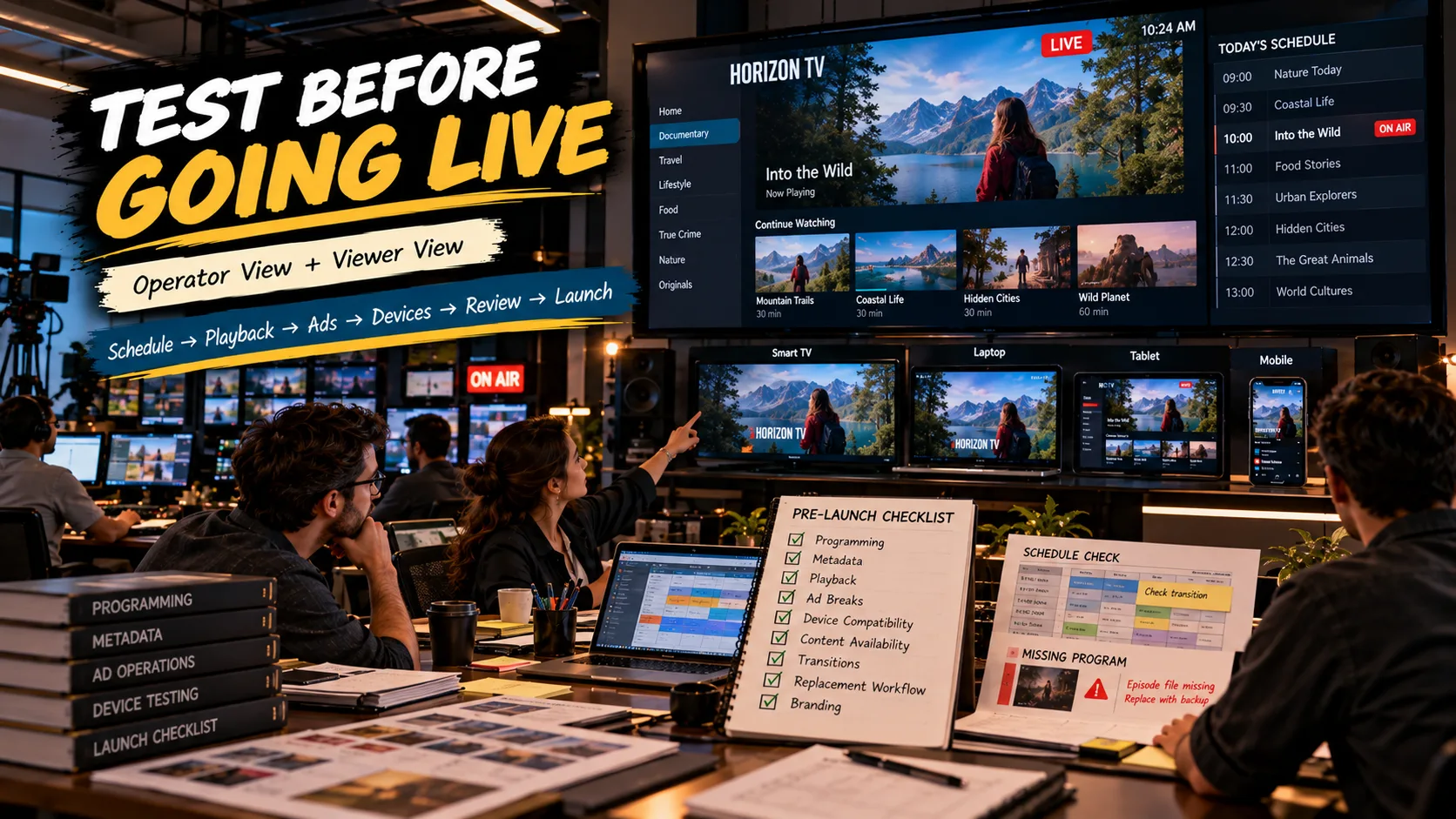
Test the Channel Before Going Live
Test the journey from the first scheduled program through many transitions. Check that the correct titles appear. Check that the metadata matches the programming. Check that playback starts reliably. Check that ad rules behave as expected. Check that the experience remains usable on every supported device.
Also test the obvious cases. What happens when a scheduled asset is missing? What happens when a program has a duration? What happens when the right window ends? What happens if a viewer joins halfway through a programming block?
These scenarios are worth testing before launch because they are much easier to fix when the FAST channel is still, in a controlled environment.
What a Real FAST Launch Might Look Like
A topic-specific FAST channel solution can be evaluated at this stage against the actual programming and operational requirements.
The launch decision should come only after the editorial, rights, commercial, and technical teams have reviewed the result.
What Still Needs Human Review
Human review is the final control point that turns a technically functioning channel into a channel that is actually ready for viewers.
FAST Channel Launch Checklist
- The audience and channel identity are clearly defined.
- Content rights cover the intended territory and schedule.
- Video assets have been processed and checked.
- Metadata and artwork are complete.
- The programming schedule has been reviewed.
- Repeat and replacement rules are defined.
- Advertising requirements are configured and reviewed.
- Supported devices have been tested.
- Playback and transitions work as expected.
- Missing or unavailable content has a replacement workflow.
- Branding and viewer-facing information are correct.
- Editorial, rights, commercial, and technical teams have approved the launch.
Final Thoughts
Technology matters. The channel’s programming decisions matter just as much.
A well‐organized content library, a schedule, a reliable replacement process and thorough pre‐launch testing give the technical setup something solid to deliver.
Start with the channel that you want viewers to experience then build the workflow around that channel.
Before going, review the result as both an operator and a viewer.
For more OTT platform updates and streaming-industry insights, follow StreamPlay on LinkedIn.
Planning to launch or modernize an OTT platform?
StreamPlay helps media companies, sports leagues, and broadcasters launch branded OTT aggregator apps with CMS, monetization, discovery, and multi-device support.
Frequently Asked Questions
What is a FAST channel?
A FAST channel is a free ad-supported streaming television channel delivered over the internet. It typically presents scheduled programming rather than requiring viewers to select every individual title.
How do I launch a FAST channel in 2026?
Start by defining the channel audience and programming strategy, then review content rights, prepare the library, build the schedule, configure monetization and streaming delivery, and test the complete viewer experience before launch.
Do I need a large content library for a FAST channel?
Not necessarily, but the available library needs to support the planned schedule without creating excessive repetition. The required amount depends on programming length, repeat frequency, channel structure, and content availability.
How does a FAST channel make money?
FAST channels generally use advertising to support free viewing. The exact commercial setup depends on the advertising technology, inventory, market, programming, and agreements used by the operator.
Can a FAST channel use existing VOD content?
Yes. Existing VOD content can potentially be organized into scheduled programming if the operator has the necessary rights and the assets meet the technical and editorial requirements of the channel.
What should be tested before launching a FAST channel?
Test programming transitions, metadata, playback, advertising behavior, content availability, device compatibility, and replacement workflows. Rights and commercial settings should also be reviewed before launch.
Can an OTT platform support FAST channels?
An OTT platform can provide the technology layer needed to operate a FAST workflow, depending on its verified capabilities. The operator still needs to define the programming, rights, commercial model, devices, and launch requirements.